01Automatic zoom
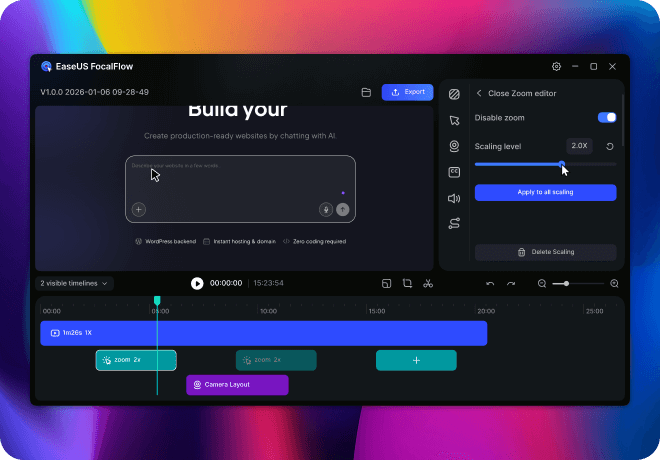
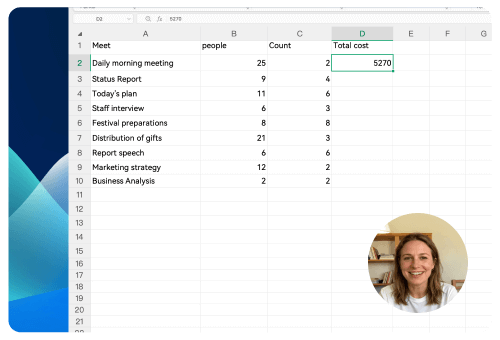
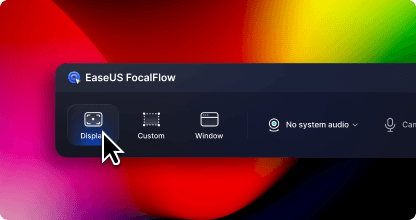
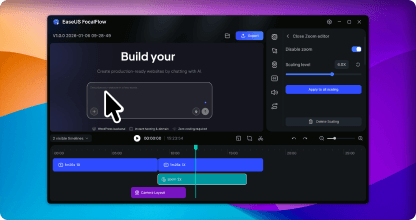
Never lose your viewer's attention. Each click is automatically magnified to emphasize the key detail clearly without any manual editing.
- Intelligent action detection
- Automatic content focus
- Sustained viewer attention
Affiliate
Earn commissions when you drive sales through your affiliate links.
Resellers
Sell EaseUS products as a distributor.

Creators & Influencers
Partner with us on YouTube, TikTok, Twitch to earn commissions.
OEM & Outsourcing Service
Put your brand on EaseUS software, or get custom solutions.

Refer & Earn
Earn rewards when you refer others to EaseUS solutions.

Education
Verified students and teachers get exclusive discounts.
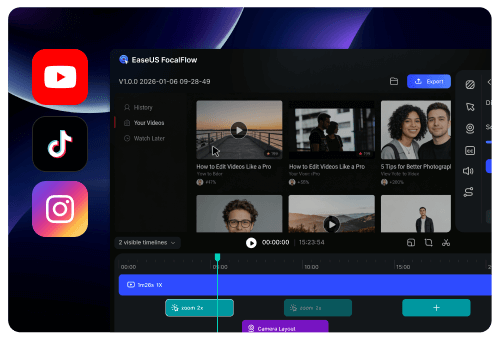
Create professional screen recordings that keep your audience focused. FocalFlow's AI identifies every click and key action, automatically magnifying the important areas so your viewers never miss a detail.
From recording to creation, without the complexity.
Never lose your viewer's attention. Each click is automatically magnified to emphasize the key detail clearly without any manual editing.
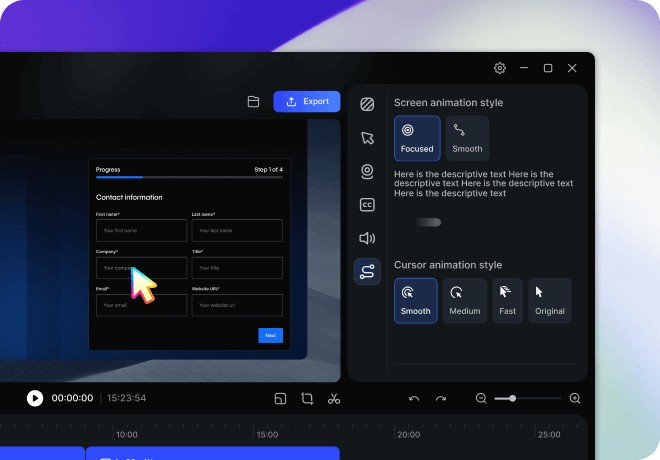
Enjoy smooth, gliding cursor movements expression during recording. Change its style and speed even after you've finished.
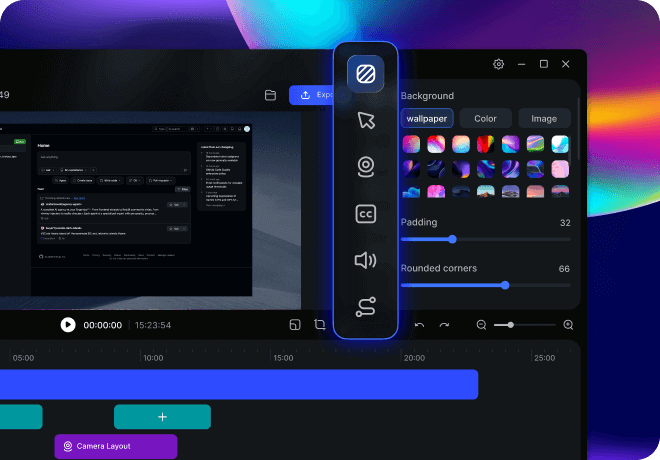
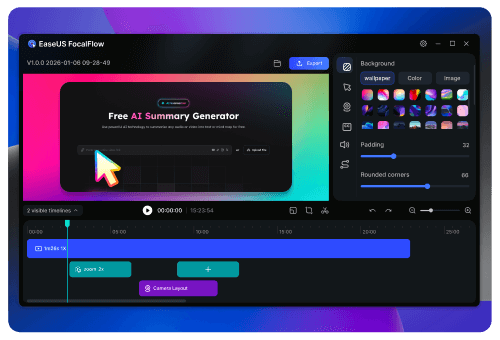
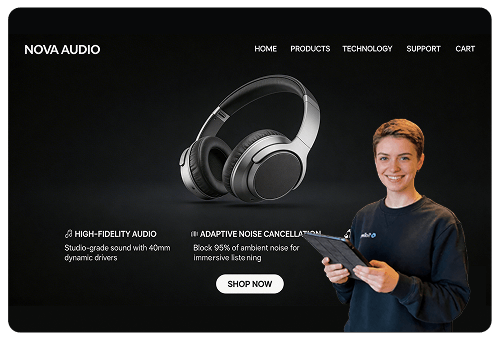
Easily adjust backgrounds, margins, and rounded corners. Reposition and resize your webcam—all with just one click.
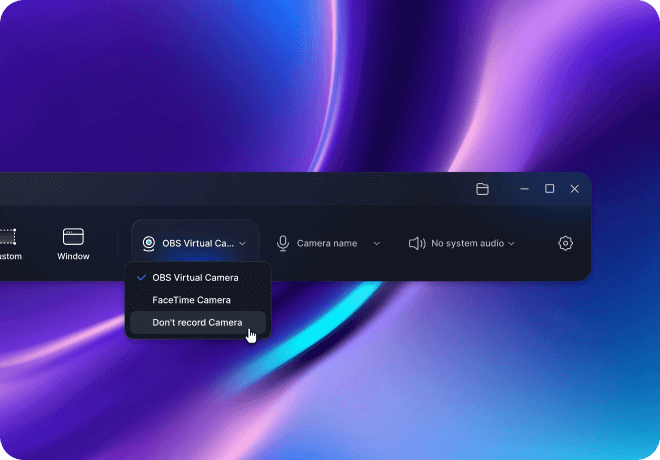
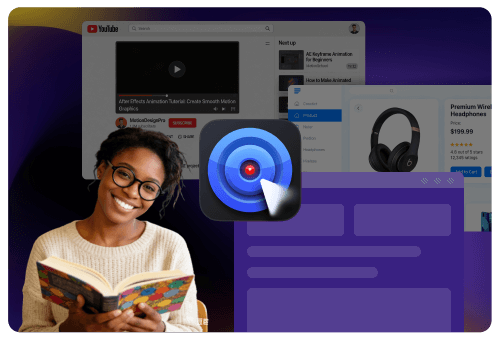
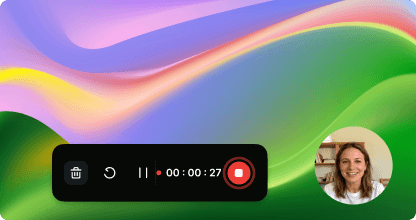
Simple, but powerful. Record webcam, microphone, and system audio.
Eliminate complex editing
Every frame is a blockbuster
Make sharing easier
Create professional videos effortlessly with FocalFlow.
FocalFlow has been a game-changer for how we walk clients through new products and features.
Dramatically boost your productivity and streamline your workflow—creating easy-to-follow tutorials and how-to videos has never been simpler.
Transform your online teaching. Make every lesson engaging and deliver knowledge more efficiently.
No complex editing required—just higher engagement and more clicks.
Make your product look more polished and close more deals.
Let your creativity flow—every idea, beautifully executed in no time.
Trusted by thousands to create professional, silky-smooth videos and demos.
FocalFlow has completely transformed my video workflow. The auto-enhancements make my tutorials look incredibly professional!
Using FocalFlow for product demos has been a game-changer. Clients consistently note the high video quality, and it's significantly boosted our conversion rates.
The auto-zoom feature is amazing! Students say the videos are much easier to follow, and my course completion rates have jumped by 30%.
FocalFlow's silky-smooth screen and cursor animations turned my raw recordings into polished product promos.
When we launched on Product Hunt, the demo video we made with FocalFlow helped drive a 40% increase in click-through rates. It made our SaaS product look far more premium than its actual price tag.
FocalFlow is my secret weapon for remote sales. It turns dry software walkthroughs into polished videos that make clients say: 'Your product looks incredibly advanced!'
The auto-zoom feature is my favorite—it's made my lessons so much clearer, and students are more engaged than ever.
It's completely changed how I present design concepts to clients. A few seconds of recording now communicates my creative intent more clearly than a long email ever could.
When reporting bugs, being able to record my screen and highlight key points on the spot is incredibly convenient. It's drastically reduced back-and-forth between our developers and QA team.
A big-changer for cross-timezone collaboration. I no longer have to miss sleep for meetings—just record a quick video with my face in the corner, and my team stays aligned, anytime, anywhere.
Being able to quickly record personalized product demos and send them to prospects has not only elevated our professional image but also noticeably boosted our conversion rates.
Flexible plans for every need
1 PC
Monthly
/month
3 PCs
Monthly
/month
3 PCs
Yearly
/year
60% OFFRecord your screen and adjust settings.
Click through your screen—everything you want to say gets recorded.
Auto-generate stunning videos with smart zoom—fully editable.
Frequently Asked Questions
1、What's the difference between FocalFlow and RecExperts?
FocalFlow is our latest screen recording tool designed to create stunning videos with smart auto-zoom, one-click polish, dynamic layouts, and smooth animations—perfect for anyone looking to produce high-quality, engaging content.
RecExperts is a classic screen recorder that's feature-rich yet easy to use—ideal for everyday recording, training sessions, and long-duration video capture.
2、How to use Auto-zoom?
After you finish recording, zoom effects are automatically added based on your clicks and cursor movements—no manual work required.
3、Can I try it for free?
Yes, both screen recording and video enhancement features are free to use.
4、Are there any file size or duration limits for video exports?
No limits—record and export as much as you want.
5、Can I record webcam and audio?
Yes—record webcam, microphone, and system audio, then adjust your camera even after recording.
6、Does it support adjusting video borders and rounded corners?
Yes, you can adjust borders, rounded corners, and other visual elements after recording—all in real time.
7、Can I adjust cursor and screen motion effects?
Yes. We offer a variety of cursor and screen motion effects to make your videos smoother and more engaging. You can also adjust cursor size and style anytime.
8、What video export formats are supported?
We support all common social media aspect ratios—16:9, 4:3, 9:16, 1:1, 3:4—plus custom dimensions tailored to your needs.
9、Do you offer technical support?
Yes, our support team is always ready to help with any questions.
Copyright © 2004 - 2023 EaseUS. ALL RIGHTS RESERVED.