10 Best Loom Alternatives for Screen Recording & Video Messages
Learn 10 Loom alternatives for screen recording, quick training, or walkthrough videos creation. Open source, free, and paid options are all covered herein.

Learn 10 Loom alternatives for screen recording, quick training, or walkthrough videos creation. Open source, free, and paid options are all covered herein.
Page Table of Contents
Loom is one of the most popular tools for asynchronous video communication, allowing users to record their screen and webcam and instantly share a video link. It's widely used by teams to explain ideas, give feedback, or replace meetings with quick video messages.
However, Loom doesn't work for everyone. Some users look for alternatives due to limited editing features, poor recording quality, free-plan restrictions, or pricing concerns. Others simply want more advanced tools for creating polished tutorials or product demos.
If you're exploring better options for screen recording and video sharing, here are the best Loom alternatives you can try.
|
Tool |
Best For |
Key Features |
Pricing |
|
AI polished recordings |
Auto zoom, smart editing |
Free/Paid |
|
|
Mac creators |
Smooth zoom, cursor effects |
Paid |
|
|
Tutorials |
Editing + templates |
Free/Paid |
|
|
AI editing |
Text-based editing |
Paid |
|
|
Async communication |
Shareable video messages |
Free/Paid |
|
|
Sales videos |
Video analytics |
Free/Paid |
|
|
Team collaboration |
Video feedback |
Paid |
|
|
Tutorials |
Advanced editing |
Paid |
|
|
Free recording |
Open-source |
Free |
|
|
Screenshot + recording |
Simple capture tools |
Paid |
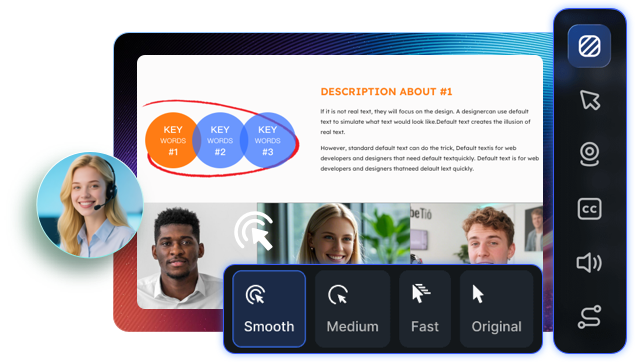
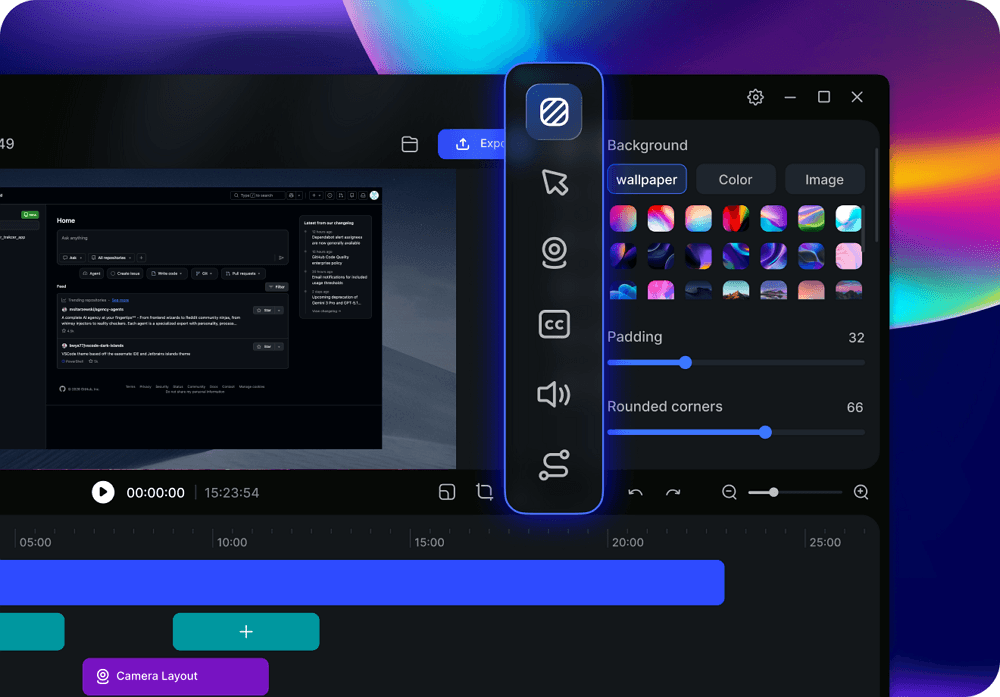
EaseUS FocalFlow is an AI-powered screen recording tool designed to turn raw recordings into clean, professional-looking videos automatically. Unlike Loom, which focuses primarily on quick video messaging, FocalFlow enhances recordings with smart visual effects and automated editing. This makes this Loom alternative especially useful for tutorials, product demos, and polished async communication, helping users explain ideas clearly while maintaining a more professional video presentation.
💡Key features:
✅Pros:
❌Cons:
Share this post if you find it helpful!
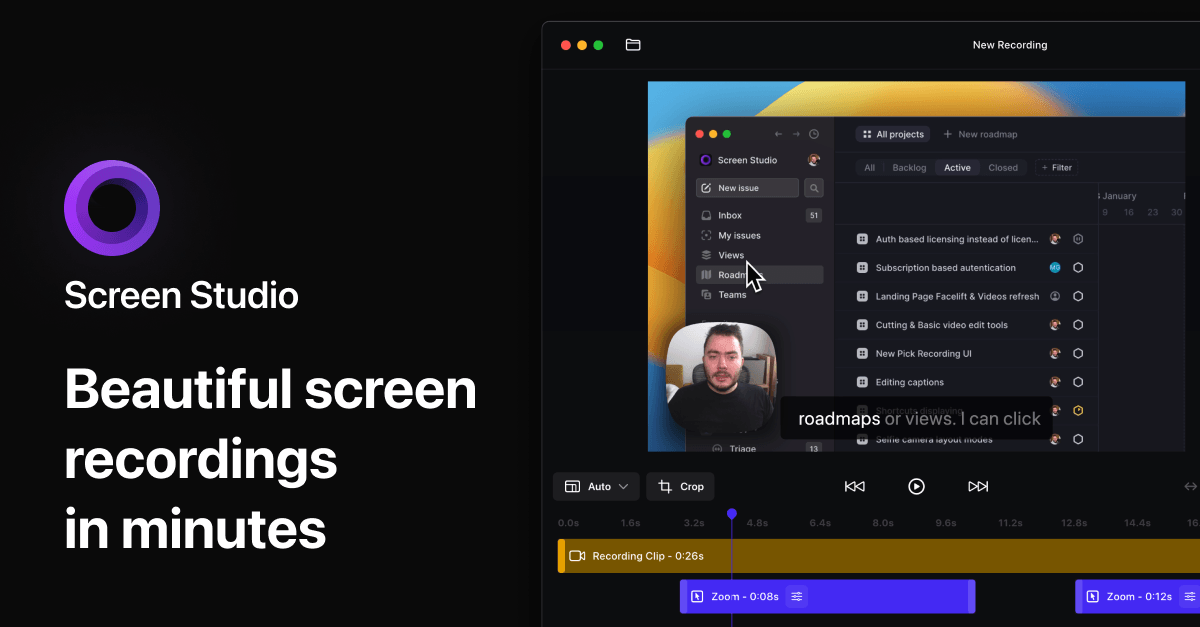
Screen Studio is a Mac-only screen recording tool that automatically creates cinematic-looking recordings. Compared with basic async video tools like Loom, Screen Studio focuses heavily on visual presentation. It automatically adds smooth zooms, motion, and cursor highlights, making recordings look more engaging without manual editing. This makes it a strong Loom alternative for creators, educators, and product teams who want high-quality demo videos rather than simple video messages.
💡Key features:
✅Pros:
❌Cons:
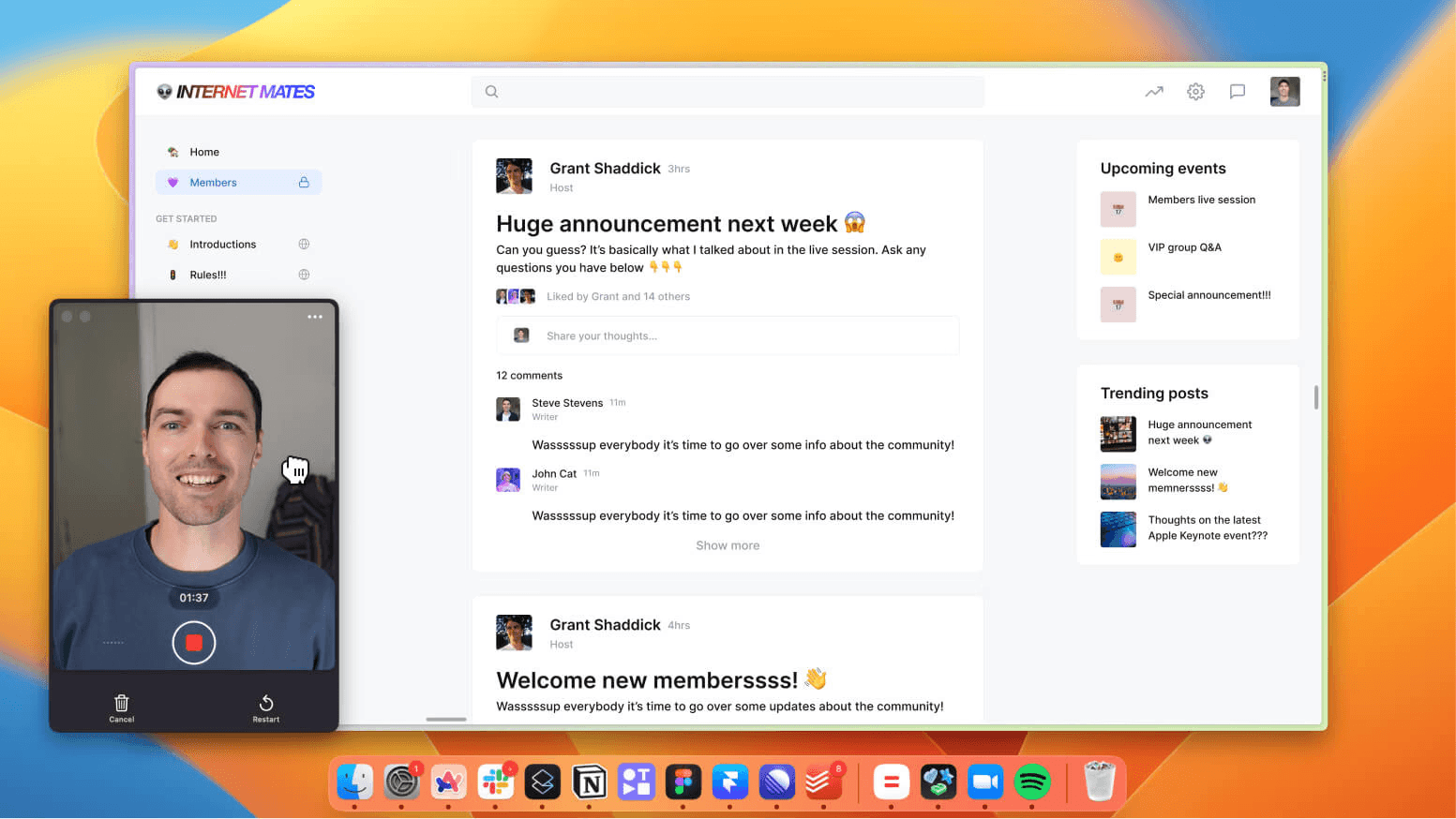
Tella is a modern screen recording and video creation tool designed to make tutorials and product demos look more professional. Unlike quick video messaging tools such as Loom, Tella focuses on editing and storytelling, allowing users to record clips, rearrange scenes, and customize layouts. This makes it a strong Loom alternative for users who want to turn simple recordings into polished instructional videos or engaging product walkthroughs.
💡Key features:
✅Pros:
❌Cons:
Share this post if you find it helpful!
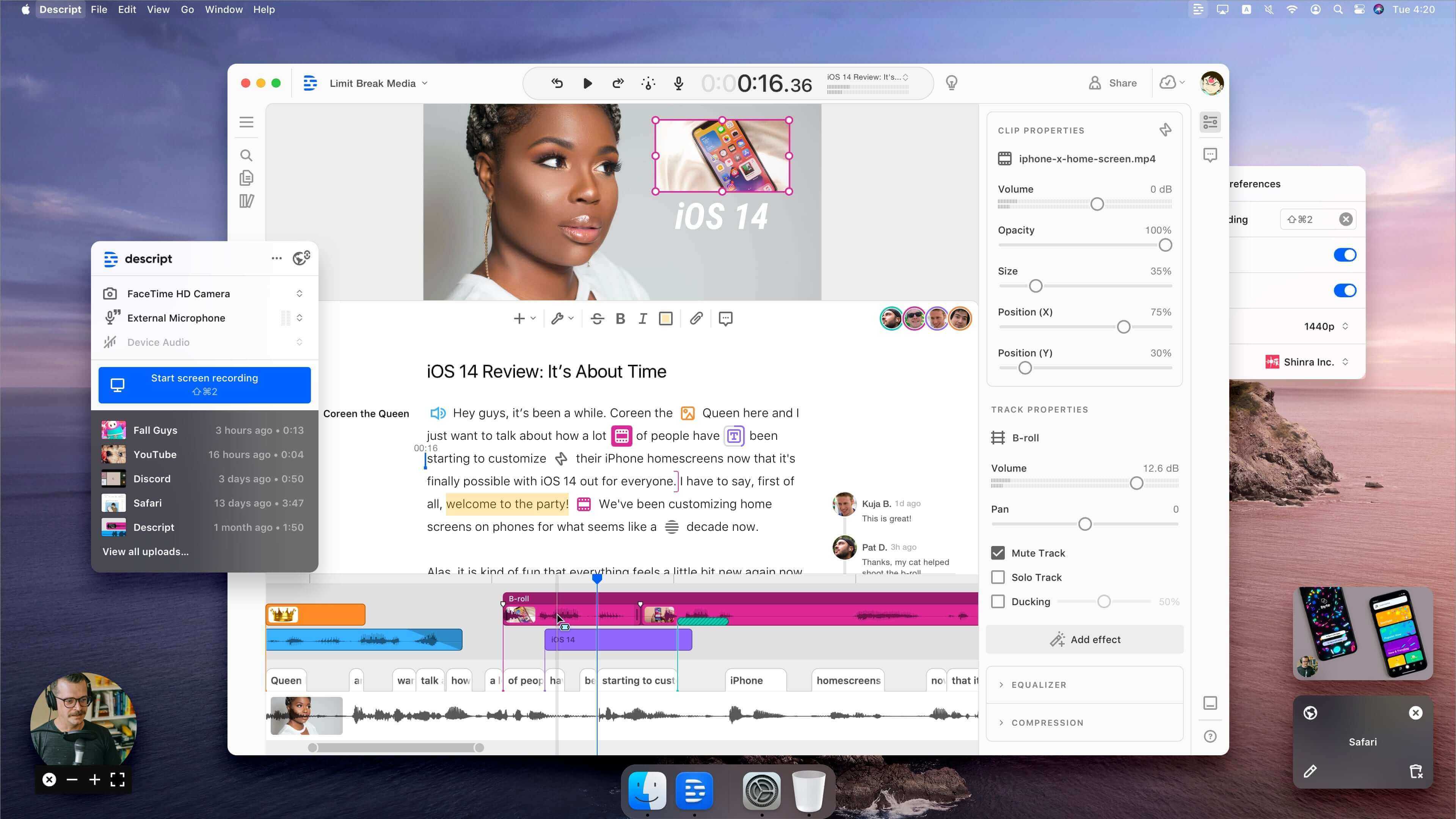
Descript is an all-in-one video and audio editing platform that combines screen recording with AI-powered editing. Unlike Loom, which focuses on quick video messaging, Descript allows users to edit recordings as easily as editing text, add automatic captions, remove filler words, and polish videos professionally. This makes it a top choice for creating high-quality tutorials, demos, and presentations with minimal manual editing.
💡Key features:
✅Pros:
❌Cons:
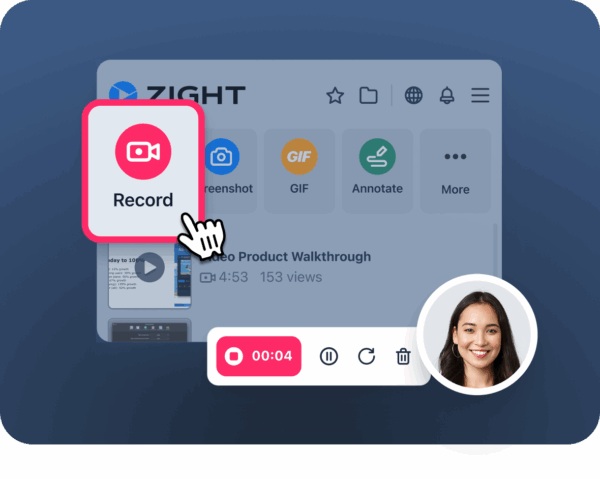
Zight is an async video communication tool that focuses on quick screen and webcam recordings with seamless sharing and team collaboration. Unlike Loom, Zight adds features like video comments, annotations, and lightweight project management, making it ideal for teams who want efficient communication and feedback without switching between multiple apps. This makes Zight a strong Loom alternative for businesses prioritizing productivity and collaboration.
💡Key features:
✅Pros:
❌Cons:
Vidyard is a professional video communication platform that goes beyond basic async messaging like Loom. It allows users to record, share, and track video performance, making it ideal for sales outreach, demos, and marketing campaigns. Reddit users frequently note that Vidyard is particularly useful for measuring viewer engagement and integrating with platforms like Salesforce or HubSpot, which Loom lacks.

💡Key features:
✅Pros:
❌Cons:
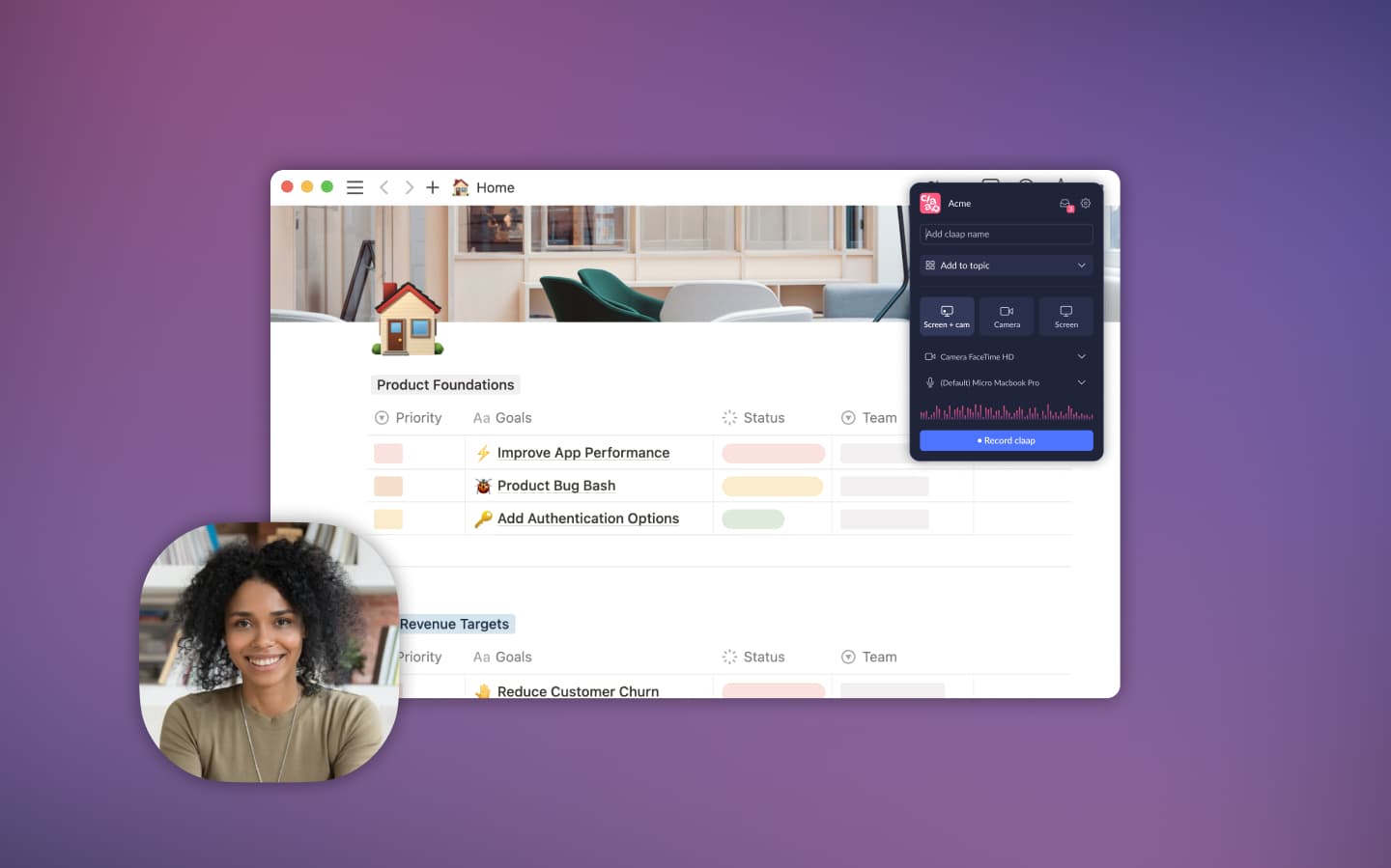
Claap is designed as an async collaboration tool that enhances Loom's messaging capabilities by adding structured feedback, comment threads, and team notifications. Reddit users praise Claap for improving team alignment without excessive meetings, making it a strong alternative for organizations looking to streamline communication while keeping video updates professional and trackable.
💡Key features:
✅Pros:
❌Cons:
Share this post if you find it helpful!
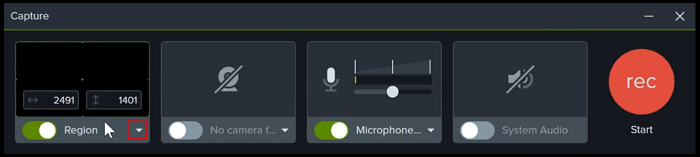
Camtasia is a powerful screen recording and video editing software that fills gaps left by Loom. Unlike Loom's simple async messaging, Camtasia offers timeline-based editing, annotations, transitions, and effects, making it ideal for professional-quality tutorials and product demos. Reddit users often recommend Camtasia for creating step-by-step instructional videos with high production value.
💡Key features:
✅Pros:
❌Cons:
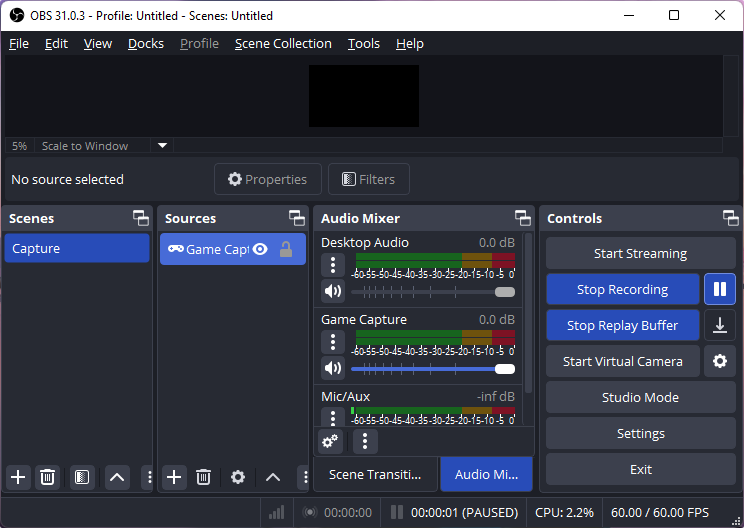
OBS Studio is an open-source screen recording and streaming software that provides powerful recording features without any cost, making it a popular Loom alternative for creators on a budget. Unlike Loom, OBS focuses on flexibility and professional-grade capture, including multi-source scenes and live streaming capabilities. Users often recommend OBS for customized video setups and high-quality recordings, especially when free solutions are needed.
💡Key Features:
✅Pros:
❌Cons:
Snagit is a screen capture and recording tool designed for speed and simplicity. Unlike Loom, Snagit excels at creating screenshots, short recordings, and annotated visuals quickly. Users often recommend Snagit for documentation, step-by-step guides, and lightweight tutorial videos, especially when polished AI editing or long-form async communication is not required.

💡Key Features:
✅Pros:
❌Cons:
1. Why Look for a Loom Alternative?
While Loom is popular for async video messaging, it may not meet every user's needs. Users often seek alternatives due to limited editing features, video quality issues, storage restrictions on free plans, or pricing concerns. Additionally, some teams require more polished videos, advanced AI editing, or enhanced collaboration tools that Loom doesn't provide.
2. What to Look for in a Loom Alternative?
When choosing a Loom alternative, consider these key factors:
3. What is the best Loom alternative?
The best Loom alternative depends on your needs:
4. Is there a free Loom alternative?
Yes, several Loom alternatives offer free plans with basic recording features:
These options allow you to record and share videos without an immediate subscription.
5. Does Google have a Loom alternative?
Google itself doesn't provide a dedicated async video messaging tool like Loom. However, some users combine Google Meet or Google Drive screen recordings with sharing links to approximate Loom functionality. For polished async videos and AI enhancements, dedicated tools like EaseUS FocalFlow, Descript, or Tella are still better alternatives.
6. Is there a free version of Loom?
Yes, Loom offers a free plan, but it comes with limitations:
For more storage, advanced editing, and team management, a paid plan starting at $12.50–$18 per user/month for unlimited recordings is required.
Updated by
EaseUS FocalFlow
Turn Screen Recordings into Polished Videos
Instant Zoom, Cursor Highlight
Copyright © 2004 - 2023 EaseUS. ALL RIGHTS RESERVED.