-
![]()
Daisy
Daisy is the Senior editor of the writing team for EaseUS. She has been working in EaseUS for over ten years, starting from a technical writer to a team leader of the content group. As a professional author for over 10 years, she writes a lot to help people overcome their tech troubles.…Read full bio -
Jane is an experienced editor for EaseUS focused on tech blog writing. Familiar with all kinds of video editing and screen recording software on the market, she specializes in composing posts about recording and editing videos. All the topics she chooses …Read full bio
-
![]()
Alin
Alin is an experienced technical blog writing editor. She knows the information about screen recording software on the market, and is also familiar with data cloning and data backup software. She is expert in writing posts about these products, aiming at providing users with effective solutions.…Read full bio -
Jean is recognized as one of the most professional writers in EaseUS. She has kept improving her writing skills over the past 10 years and helped millions of her readers solve their tech problems on PC, Mac, and iOS devices.…Read full bio
-
![]()
Jerry
Jerry is a fan of science and technology, aiming to make readers' tech life easy and enjoyable. He loves exploring new technologies and writing technical how-to tips. All the topics he chooses aim to offer users more instructive information.…Read full bio -
![]()
Rel
Rel has always maintained a strong curiosity about the computer field and is committed to the research of the most efficient and practical computer problem solutions.…Read full bio -
![]()
Gemma
Gemma is member of EaseUS team and has been committed to creating valuable content in fields about file recovery, partition management, and data backup etc. for many years. She loves to help users solve various types of computer related issues.…Read full bio
Page Table of Contents

Jean
Updated on Oct 30, 2026
0 Views |
0 min read
If you used the Movavi Screen Recorder trial to capture your screen, you may notice a watermark in the exported video. This article mainly introduces three ways to remove the watermark:
- The most reliable way to remove it is to activate a valid Movavi license and record or export the video again.
- If you don't want to pay for Movavi, you can create a new recording with a watermark-free screen recorder instead.
- For an existing video, cropping or covering the watermark may be possible, but the result depends on its position and size.
Does Movavi Screen Recorder Have a Watermark?
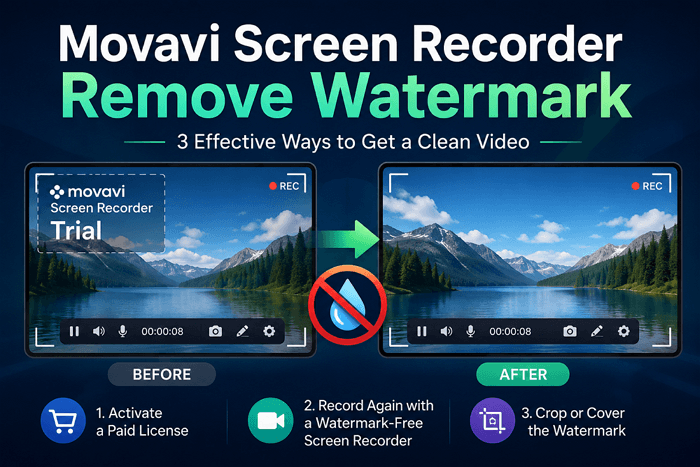
Yes. Videos recorded and exported with the Movavi Screen Recorder trial version include a "Trial" watermark.
This is one of the trial's three main limitations:
- you can use the software for only 7 days
- exported videos contain a "Trial" watermark
- you cannot add descriptions or tags directly to YouTube from the app
The watermark is added to the exported video itself rather than being a removable setting in the recording interface. Its exact appearance and placement may vary by version, but it can be visible enough to affect the final recording. If you need a clean video, you generally need to activate a valid license and create or export the video again.

Share this post to help more users remove the watermark from Movavi Screen Recorder!

How to Remove the Movavi Screen Recorder Watermark
In this part, you will learn about three safe and legal ways to remove watermarks from Movavi Screen Recorder. This image illustrates the general idea and you can have a look:
Method 1: Activate a Paid Movavi License
The official way to remove the Movavi Screen Recorder trial watermark is to activate a paid license. Once activated, you can create new recordings without the trial watermark.
Step 1. Choose a Movavi Screen Recorder plan that fits your needs.
Step 2. Purchase the license from the official Movavi website.
Step 3. Download and install the latest version if necessary.
Step 4. Sign in or enter your activation information to activate the software.
Step 5. Record and export your video again.
Movavi Screen Recorder is currently available with monthly and yearly subscription options. Prices may vary by region and promotional offer, so check the official purchase page for the latest pricing.
|
Plan |
Listed price |
Best for |
|
1-month subscription |
$19.95/month |
Short-term or occasional use |
|
1-year subscription |
$64.95/year |
Regular users |
*Prices shown on Movavi's US purchase page and may change depending on location, taxes, and promotions.
- Tip: However, purchasing a license does not remove a watermark that has already been embedded in an exported video. If you want a clean version of a recording made during the trial, you generally need to record the content again after activating the paid version.
Method 2: Record Again with a Watermark-Free Screen Recorder
If you don't want to purchase Movavi just to remove the trial watermark, recording the content again with another screen recorder may be a better option. This is especially useful if you still have access to the original content and need a clean video for tutorials, presentations, gameplay, or other projects.
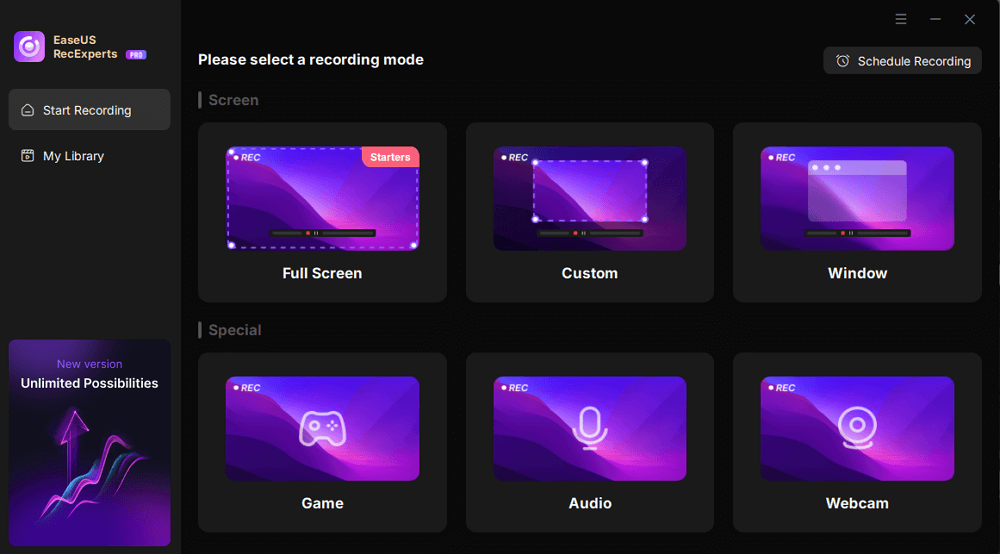
1️⃣EaseUS RecExperts: A Simpler Alternative for Clean Screen Recording
EaseUS RecExperts is a practical option for users who want to record their screen without dealing with complicated configurations. All recordings are saved without a watermark by default. Moreover, this app allows users to add a customized watermark if needed.
It supports full-screen, window, and custom-area recording, along with system audio and microphone capture. You can use it to create a new recording instead of trying to remove a watermark from a video that has already been exported.
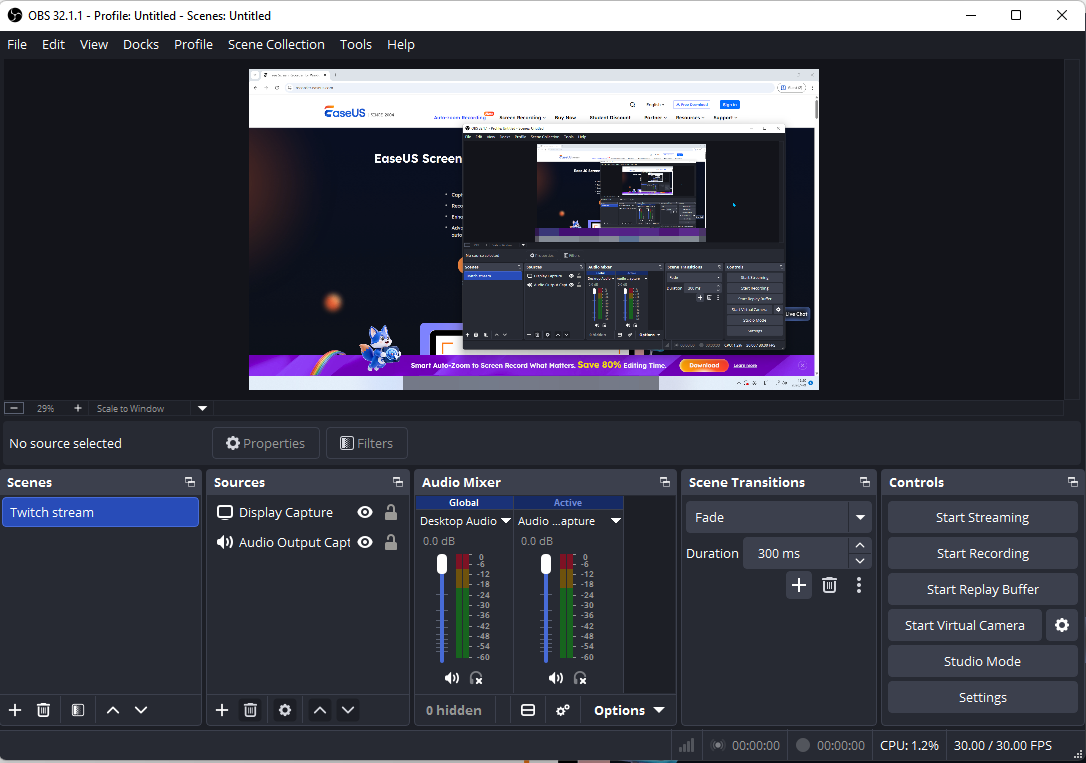
2️⃣OBS: A Free and Open-Source Alternative for Advanced and Customized Screen Recording
Compared with Movavi's trial version, using a screen recorder that fits your needs from the beginning can help you avoid dealing with trial watermarks later. If you prefer more advanced customization and don't mind a steeper learning curve, OBS Studio is another popular option.
Method 3: Crop or Cover the Watermark
If you already have a video with a Movavi trial watermark and don't want to purchase a license or record the content again, you can try cropping or covering the watermark.
To crop it:
- Open the video in a video editor
- Adjust the crop area to exclude the watermark
- Export the edited video.
To cover it:
- Add an overlay, blur effect, or another visual element over the watermark, then export the video again.
However, this method may not produce ideal results. Cropping can remove important parts of the original frame, while covering or blurring the watermark may make the area look unnatural. The larger the watermark or the more inconvenient its position, the harder it is to hide without affecting the video's overall appearance. These methods are best viewed as workarounds rather than true watermark removal.
Final Words
Removing a watermark from a Movavi Screen Recorder trial video is not always the best solution.
If you want to continue using Movavi, activating a paid license and recording the video again is the most straightforward option.
If you don't want to pay for Movavi, recording the content again with another screen recorder is usually cleaner than trying to edit out a large or inconveniently placed watermark.
For an existing video, cropping or covering the watermark may be worth trying, but the result depends heavily on the watermark's size and position.
|
Your situation |
Best option |
|
You want to keep using Movavi |
Activate a paid license and record again |
|
You need a new clean recording |
Use a watermark-free screen recorder |
|
You already have the original content |
Record it again with another screen recorder |
|
You only have the watermarked video |
Crop or cover the watermark |
|
The watermark is large or covers important content |
Avoid cropping or covering it if possible |
The best choice depends on whether you want to preserve your existing recording or simply create a clean one. In many cases, preventing the watermark during recording is easier and produces a better result than trying to remove it afterward.
Movavi Screen Recorder Remove Watermark FAQ
1. Can I remove the Movavi watermark without paying?
There is no official free setting to remove the watermark from a video exported with the Movavi Screen Recorder trial. If you don't want to purchase a Movavi license, your main options are to record the content again with another screen recorder or try to crop or cover the watermark on the existing video.
2. Does buying Movavi remove the watermark from existing videos?
No. Activating a Movavi license does not remove a watermark that has already been embedded into an exported video. If you want a clean version, you generally need to record the content again after activating the paid version.
3. Can I remove the Movavi watermark by cropping the video?
Sometimes. If the watermark is near the edge of the frame, you may be able to crop it out using a video editor. However, cropping also removes part of the original video and does not actually restore the area covered by the watermark. If the watermark is large or appears in an inconvenient position, cropping may significantly affect the video's composition.
4. What is the best free alternative to Movavi without a watermark?
OBS Studio is a popular free option for users who want extensive recording controls and no watermark. EaseUS RecExperts may be a better fit for users who prefer a simpler interface and a more straightforward recording workflow. Check the features and limitations of the version or plan you choose before recording important content.
5. Why does my Movavi recording have a watermark?
The watermark appears because you used the trial version of Movavi Screen Recorder. The trial version has several limitations, including a 7-day trial period and a watermark on exported videos. The watermark is part of the trial version's licensing restrictions.
6. Can I remove the Movavi watermark with an online tool?
Some online tools claim to remove watermarks, but the results can vary. AI-based tools may blur or reconstruct the area covered by the watermark, but they cannot always restore the original content accurately. Uploading private recordings to unknown third-party websites may also create privacy and security risks.
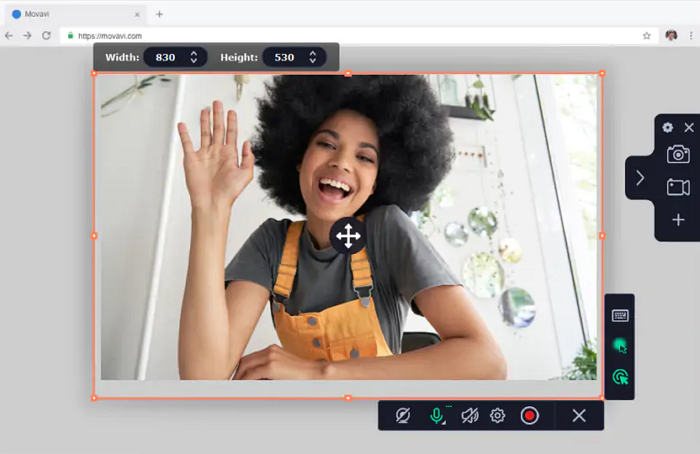
As far as I know, Movavi actually has an online capture tool. You can record and save the recording in WEBM file format at a relatively low quality.